

Welcome
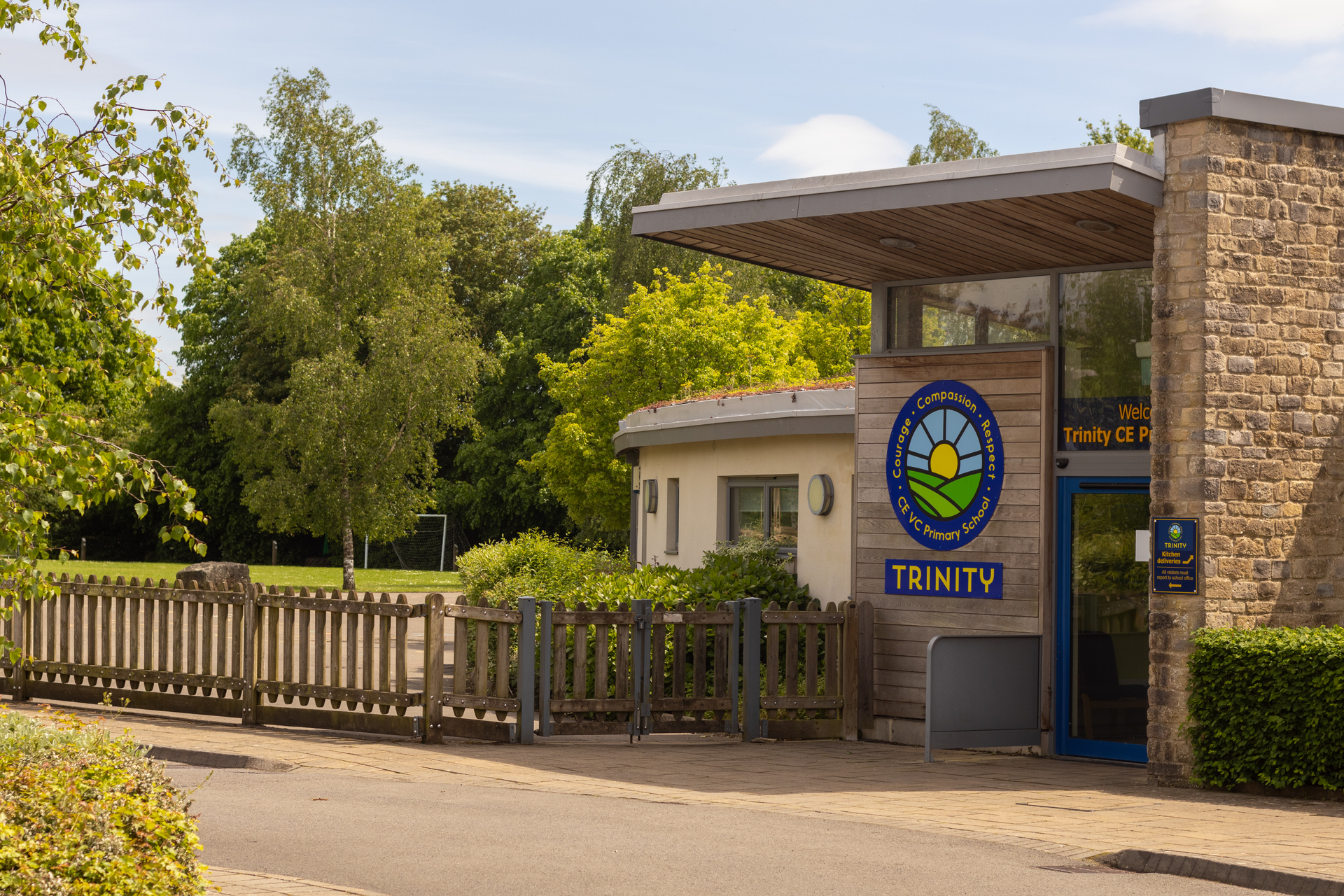
Welcome to Trinity CE Primary School on behalf of myself, our wonderful pupils, hard-working staff, committed Governors and supportive school community.
The whole Trinity family work well together to ensure we are a happy and vibrant school with a caring and supportive atmosphere. There is genuine collaboration between parents, children, the school and the wider community.
The Trinity team has high expectations and standards and a keen sense of being part of a happy, successful school. The supportive ethos within the school enables pupils of all abilities to thrive as they grow and develop.
– Conrad Hutton, Headteacher
Good Bye and Good Luck!
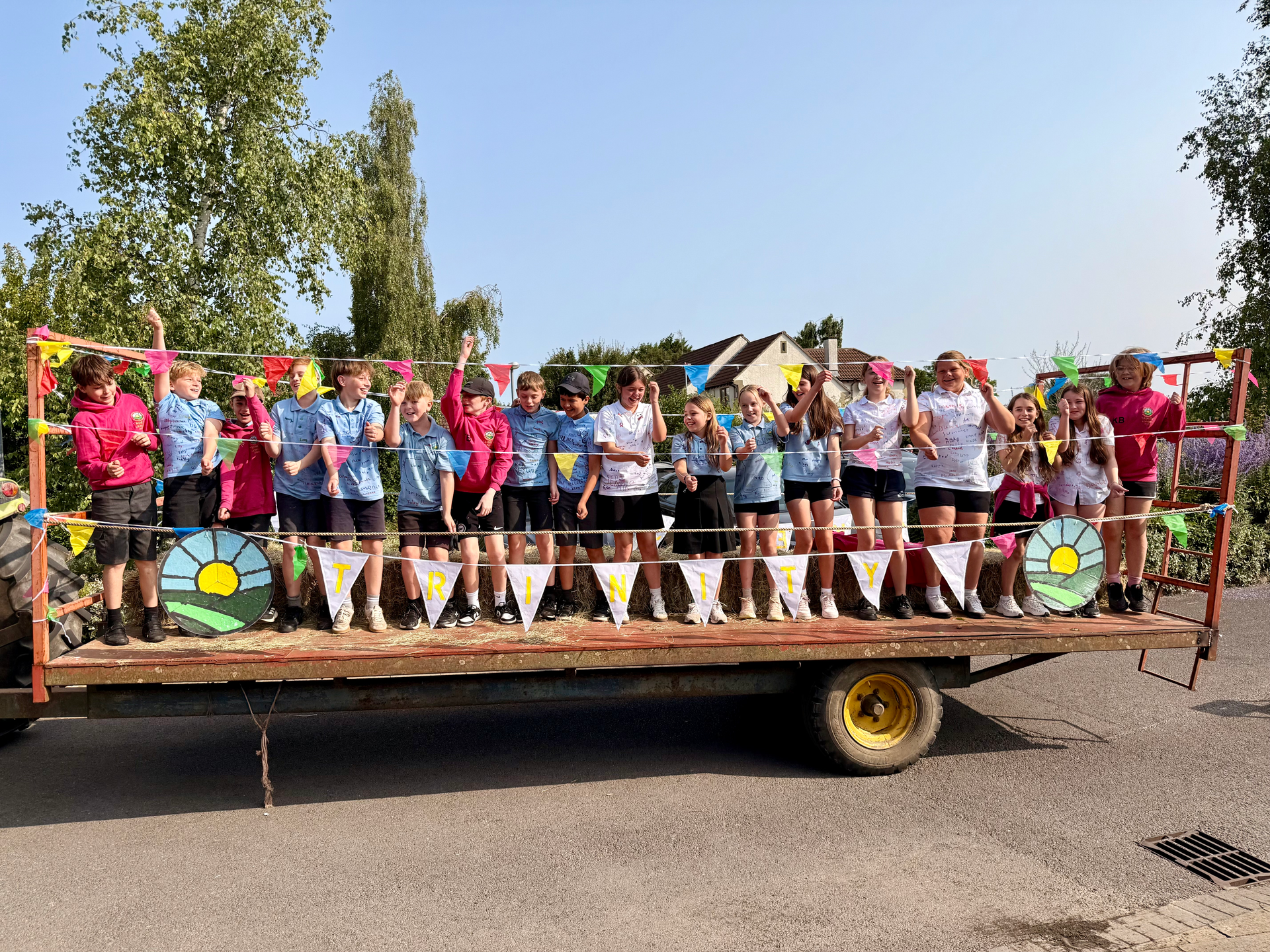
Our pupils embody and uphold our core values of courage, compassion and respect every day at school, in the classroom, in the playground, on trips and at sporting events. They show it in their conduct, in the way they behave, how they help one another out and how they ensure that we are an inclusive school. The Year 6 Leaver’s Service (20.07.26) was full of wonderful memories and showed what a truly special time they have had on their journey through the school. We wish all of our Year 6 Leavers the very best of luck in their new secondary schools in September!
KS2 School Production
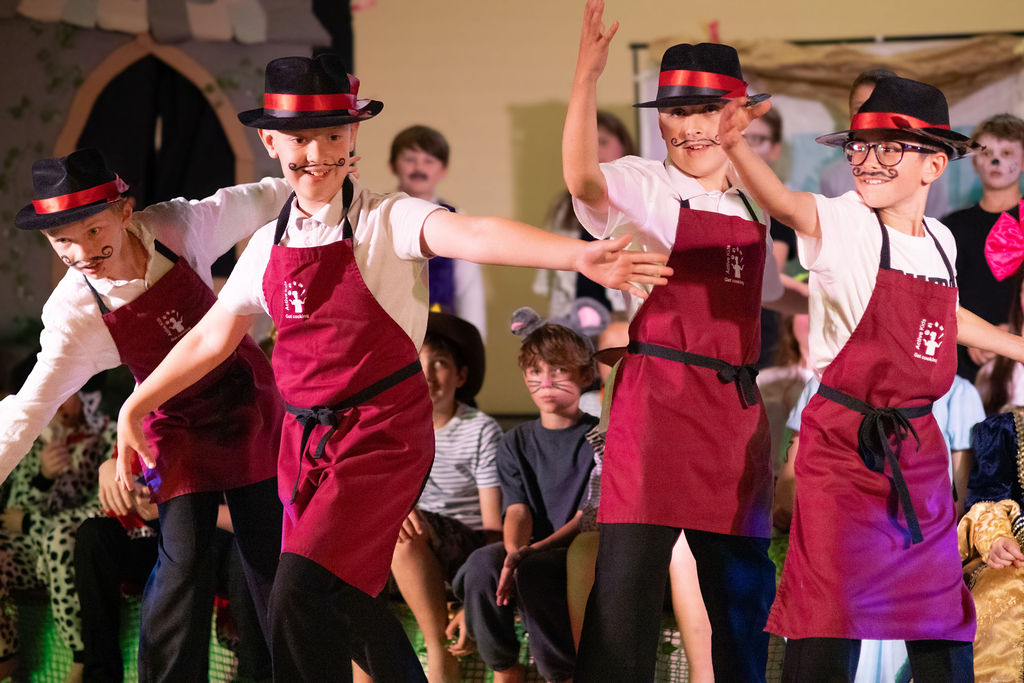
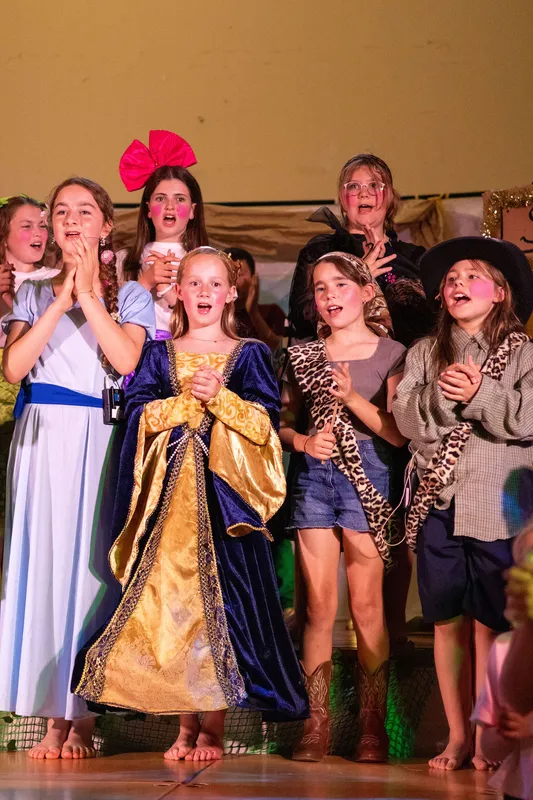
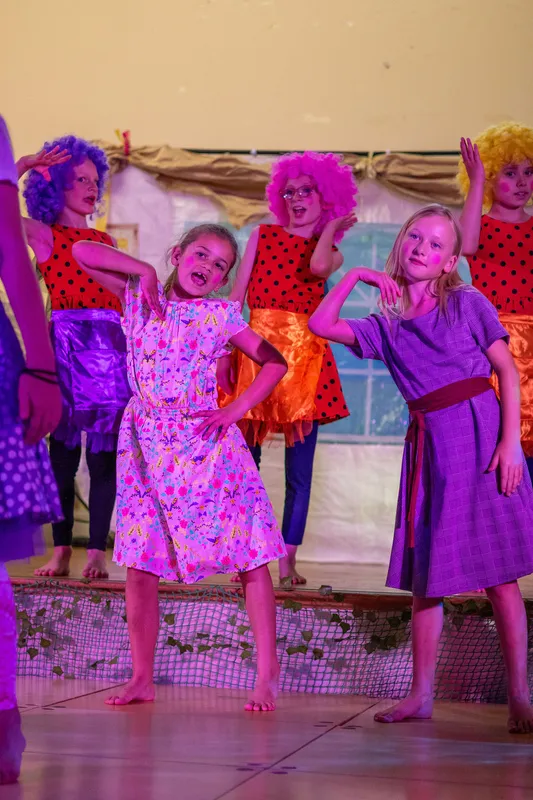
On Tuesday and Wednesday this week, our KS2 pupils performed ‘Rapunzel and the Barber Shop Bros’ to delighted audiences! They had worked so hard on learning lines, songs and dance routines, and it really showed. Well done for the fantastic production and a huge thank you to everyone who helped!
Shining Light Award
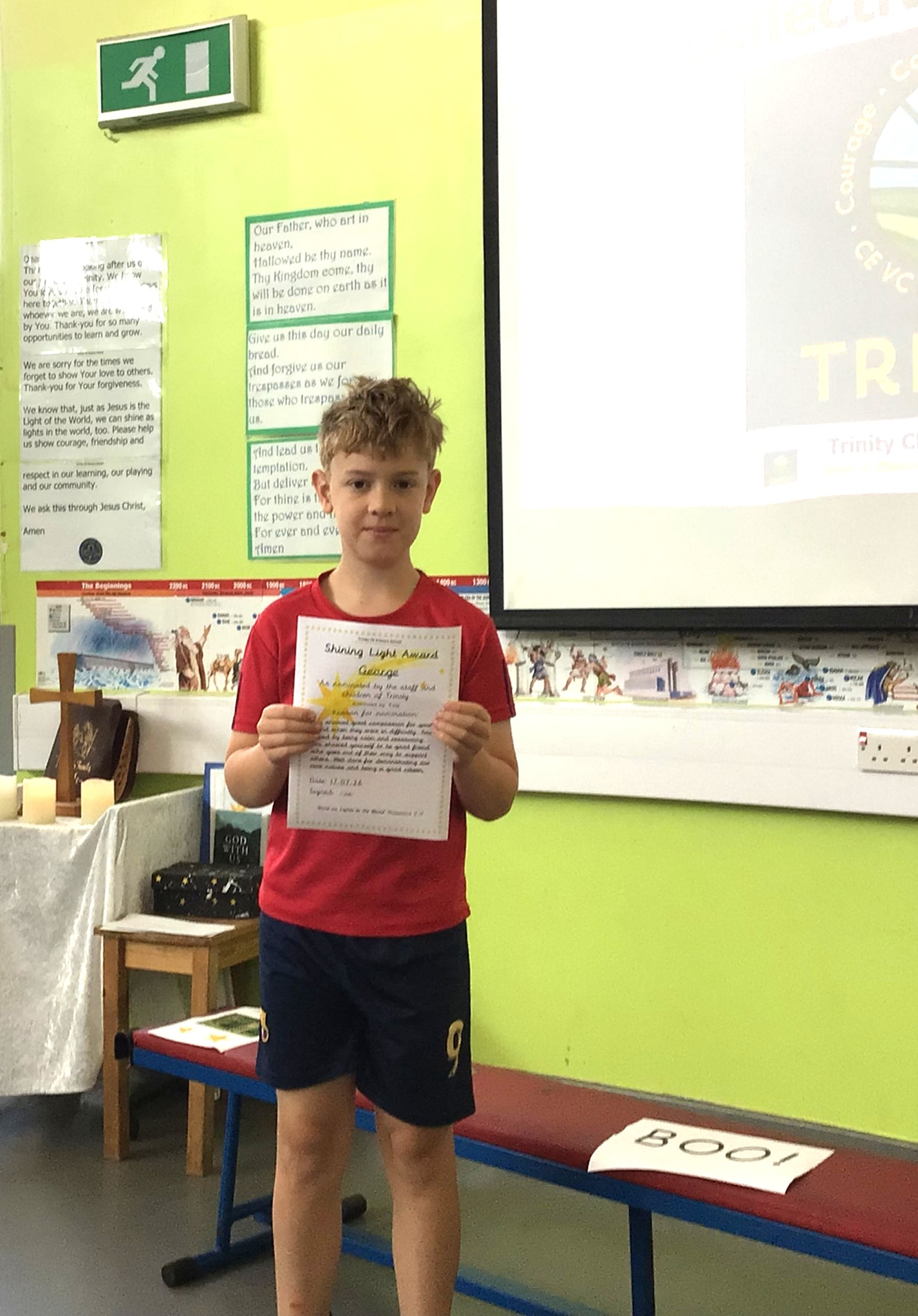
You showed great compassion for your friend when they were in difficulty. You helped by being calm and reassuring. You showed yourself to be good friend who goes out of their way to support others. Well done for demonstrating our core values and being a good citizen.
Our shining stars 17.07.26
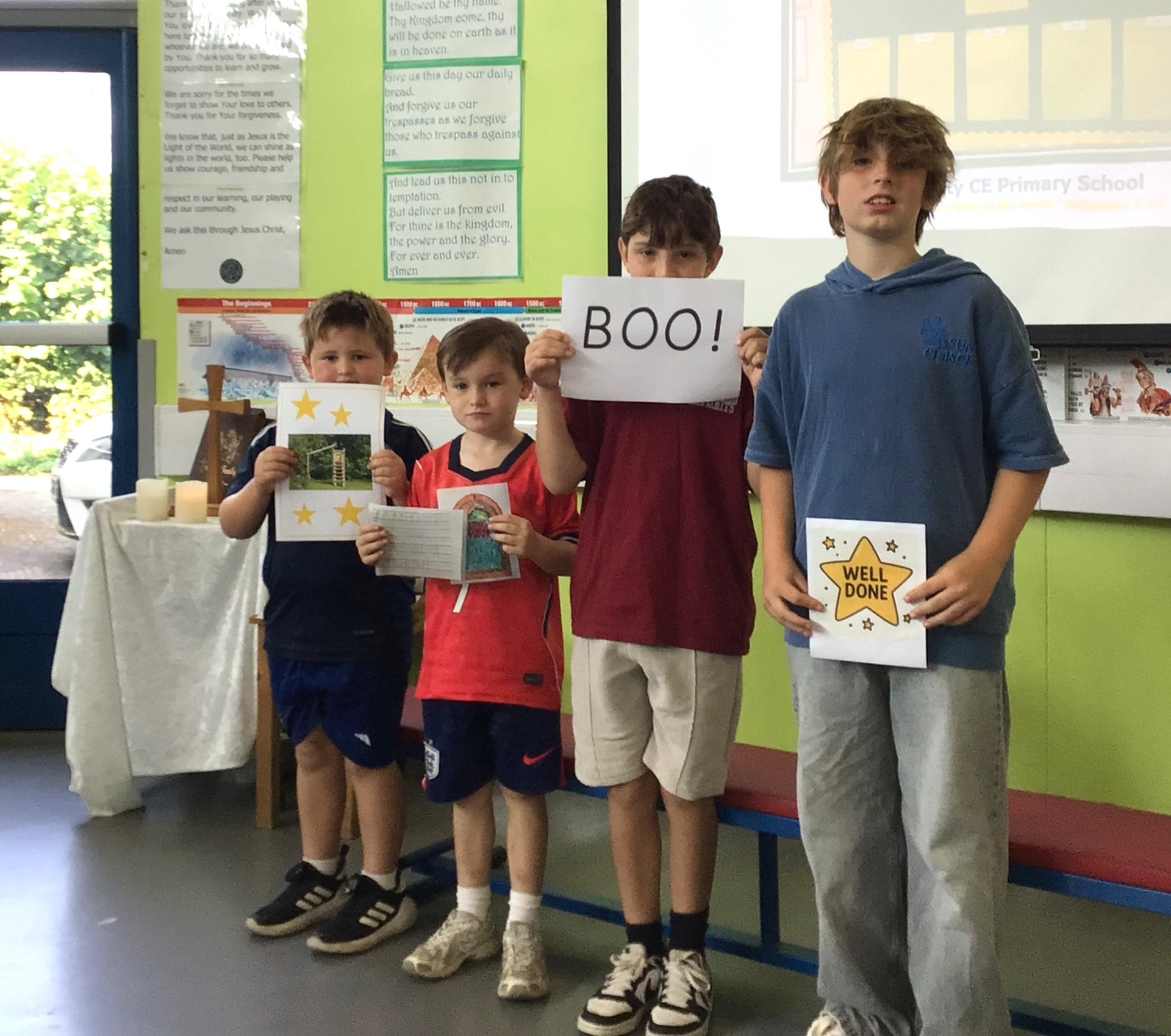
Our shining stars this week are: Daniel; Chester; Kodah and Augie.
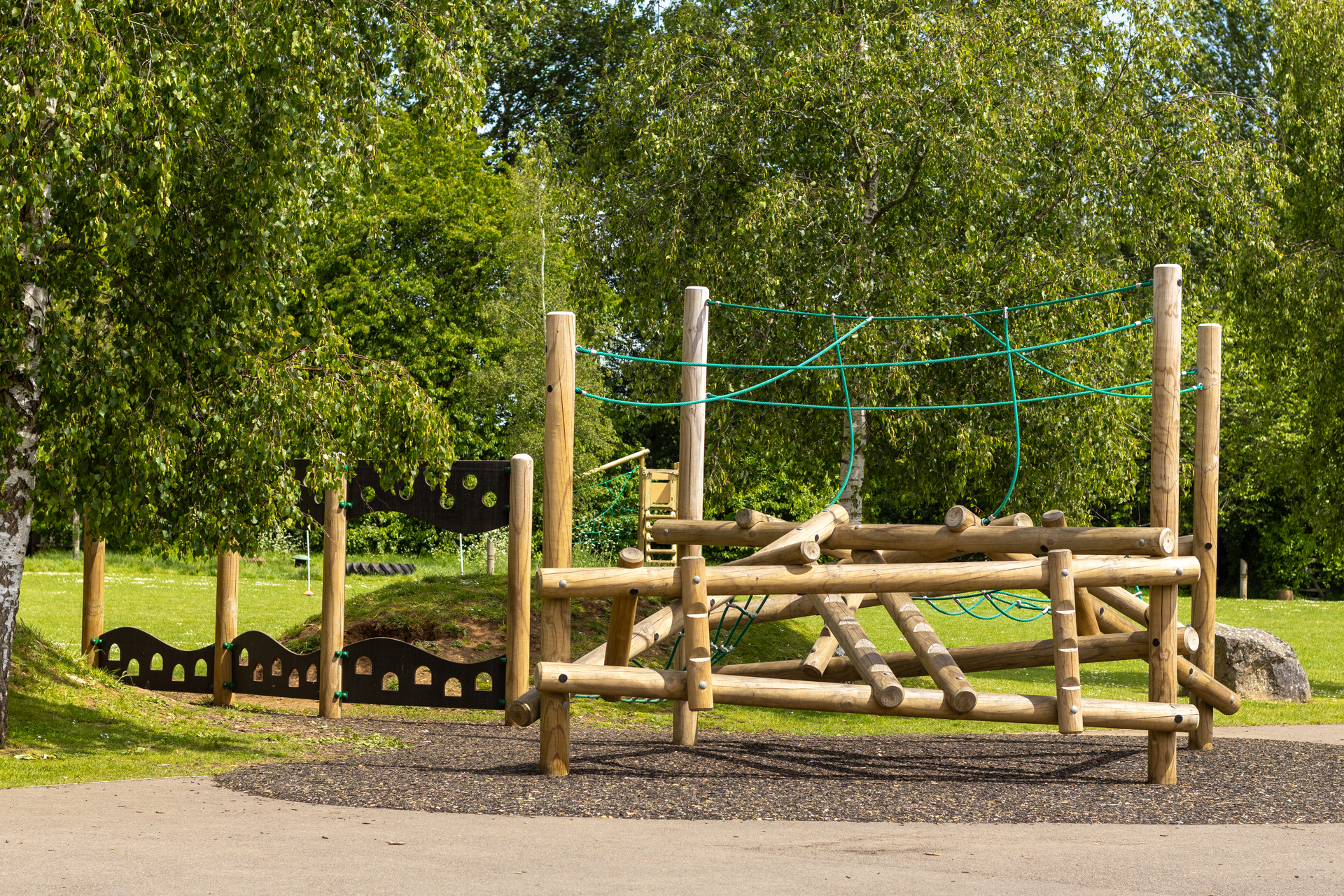
Daniel was chosen because he has demonstrated our Trinity school values of perseverance and courage. Daniel has been working hard to develop his gross motor skills by challenging himself to climb to the top of the climbing frame so that he could slide down the pole. THis was a huge and daunting challenge, but through determination, resilience, and bravery, Daniel finally achieved his goal!
Chester was chosen because he has made a really great effort in his handwriting interventions and has made some amazing improvements with his letter formation. He also focussed really well in RE this week and created a lovely Mihrab design. Well done Chester!
Kodah was chosen because of his amazing job in the performance on Thursday and Friday. Kodah joined in with every song. Sang his heart out and remembered the all important Boo when his time came. Kodah, I've been so proud of your confidence and how you've improved this year. Keep it up in year 5.
Augie was chosen because of the fantastic attitude he has shown throughout our school production. He took ownership of learning his lines, practised his solo independently and approached every rehearsal with enthusism and maturity. His commitment really paid off, and he was a fantastic King Arthur in our production. Well done!
Shining Light Award 10.07.26
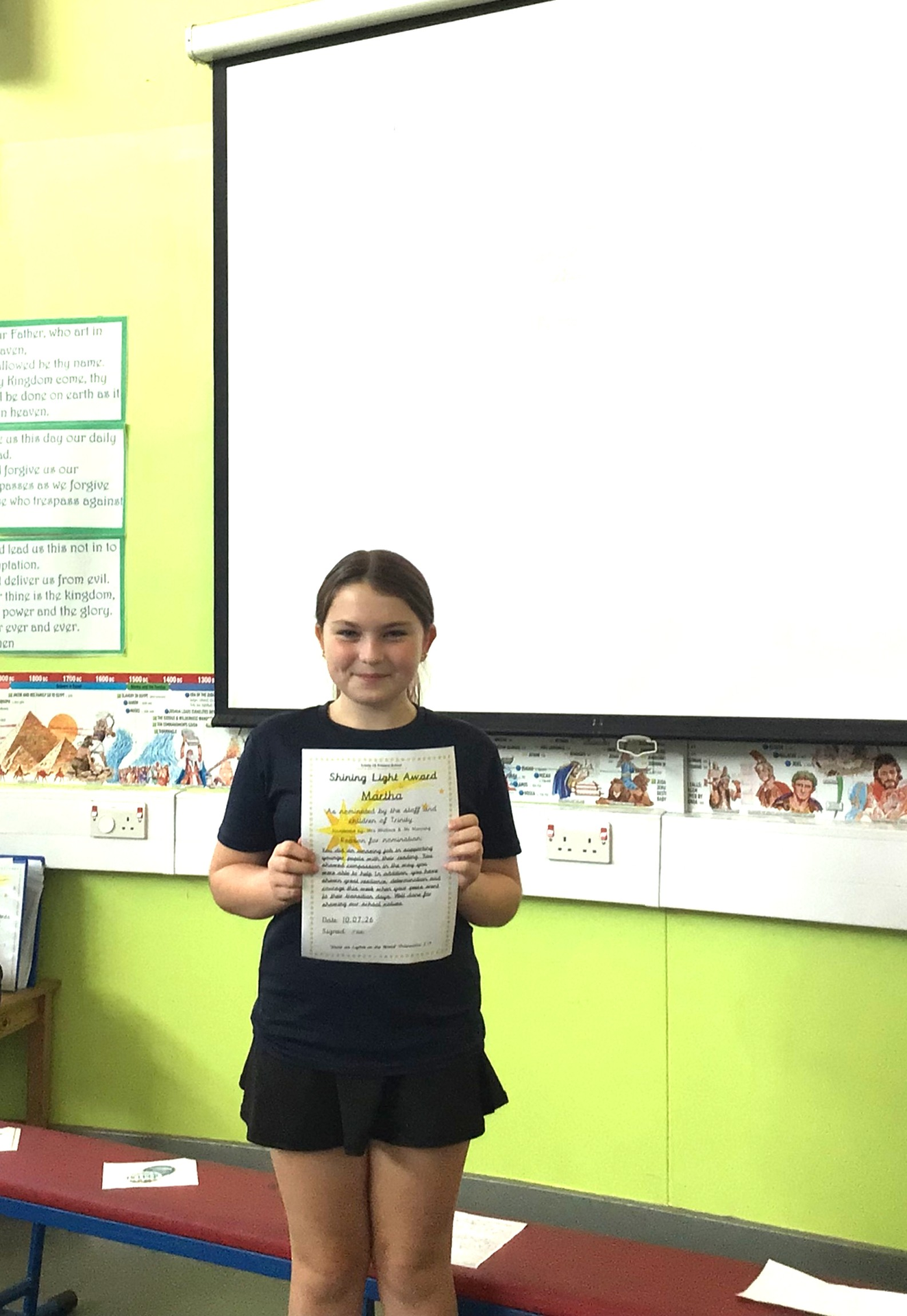
You did an amazing job in supporting younger pupils with their reading. You showed compassion in the way you were able to help In addition, you have shown great resilience, determination and courage this week when your peers went to their transition days. Well done for showing our school values.
No Events to show